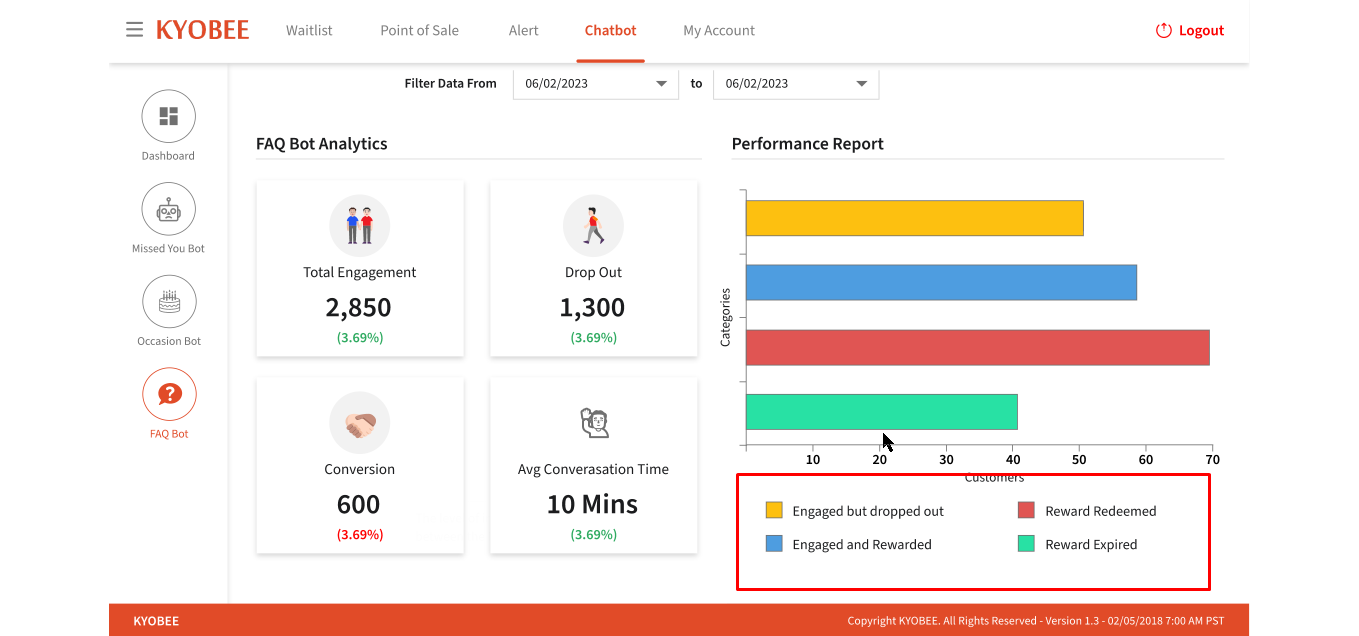
- The User can show the Dashboard screen after all of the settings have been completed and Dashboard data has been updated, depending on the user chat conversation
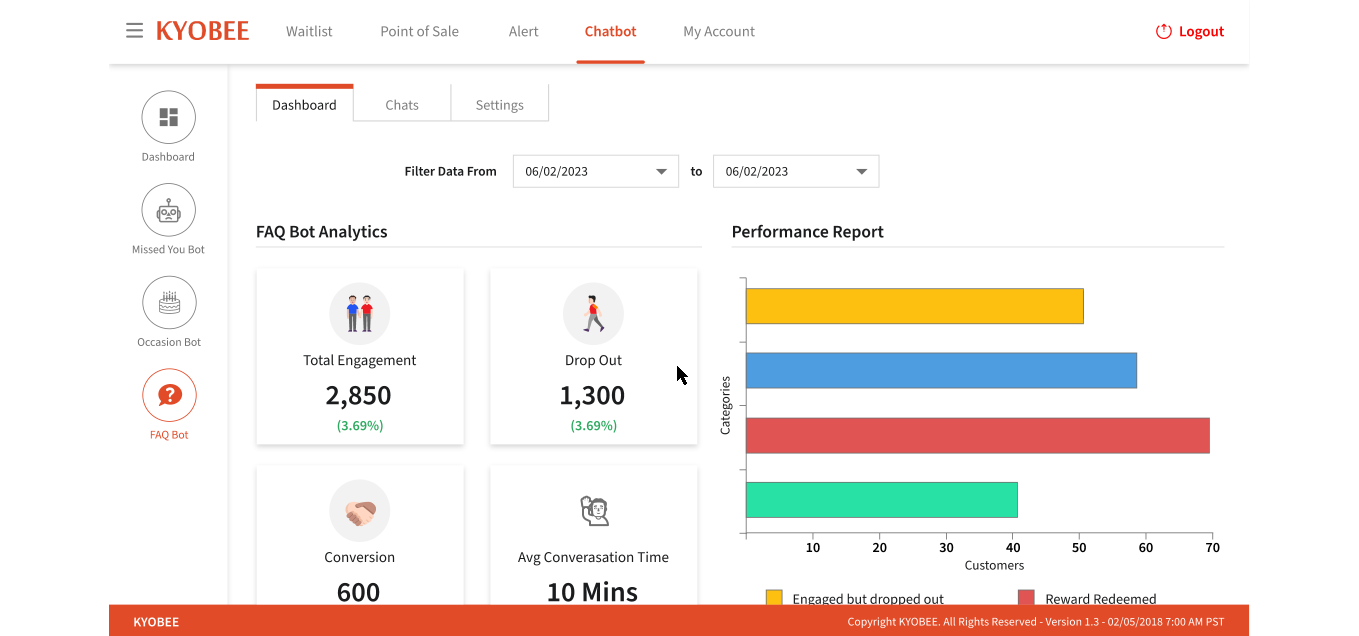
- User can click on the “Dashboard” tab and be shown the following sections: 1. Filter date from and to dropdown 2. Missed You Bot Analytics 3.Performance Report
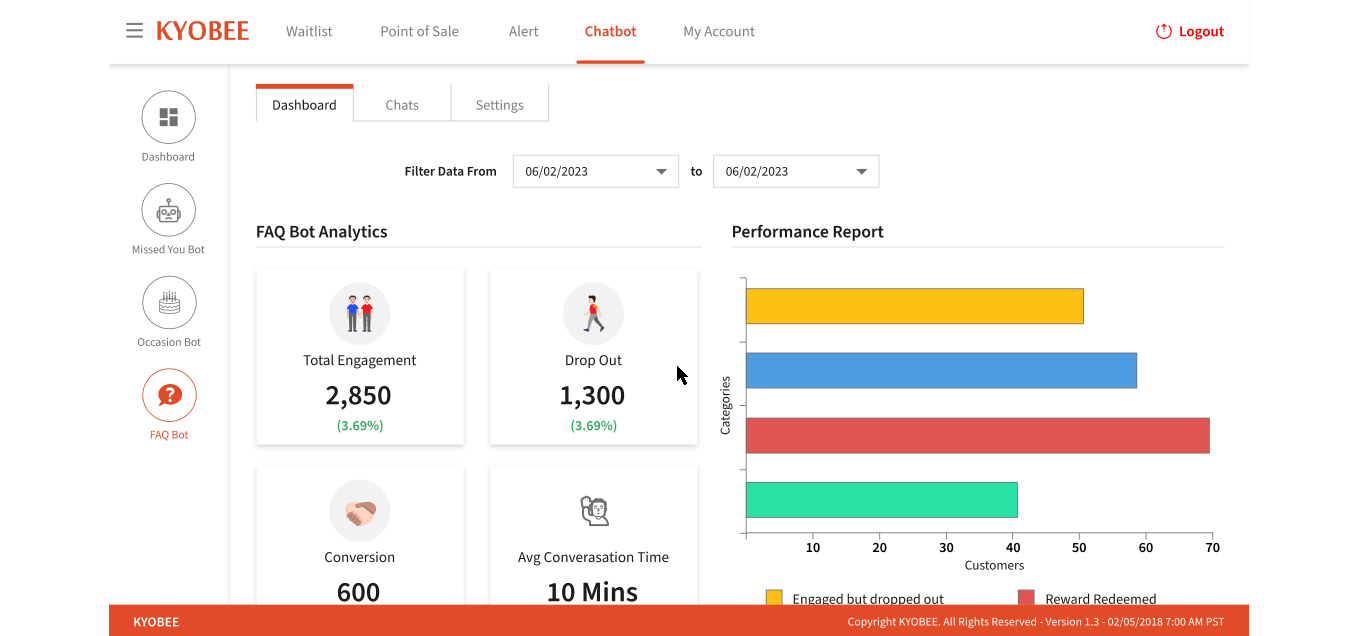
- The user can click on the “From” and “To” dropdowns; the calendar opens; the user can click any date; and the data has been changed in accordance with the dates.

- User can see the different types of data: 1) Total Engagement 2) Dropout 3) Conversion 4) New Engagement

- User can hover over any data box to see a message appear on the screen.

- User can see the categories and customers data indicated by a line chart
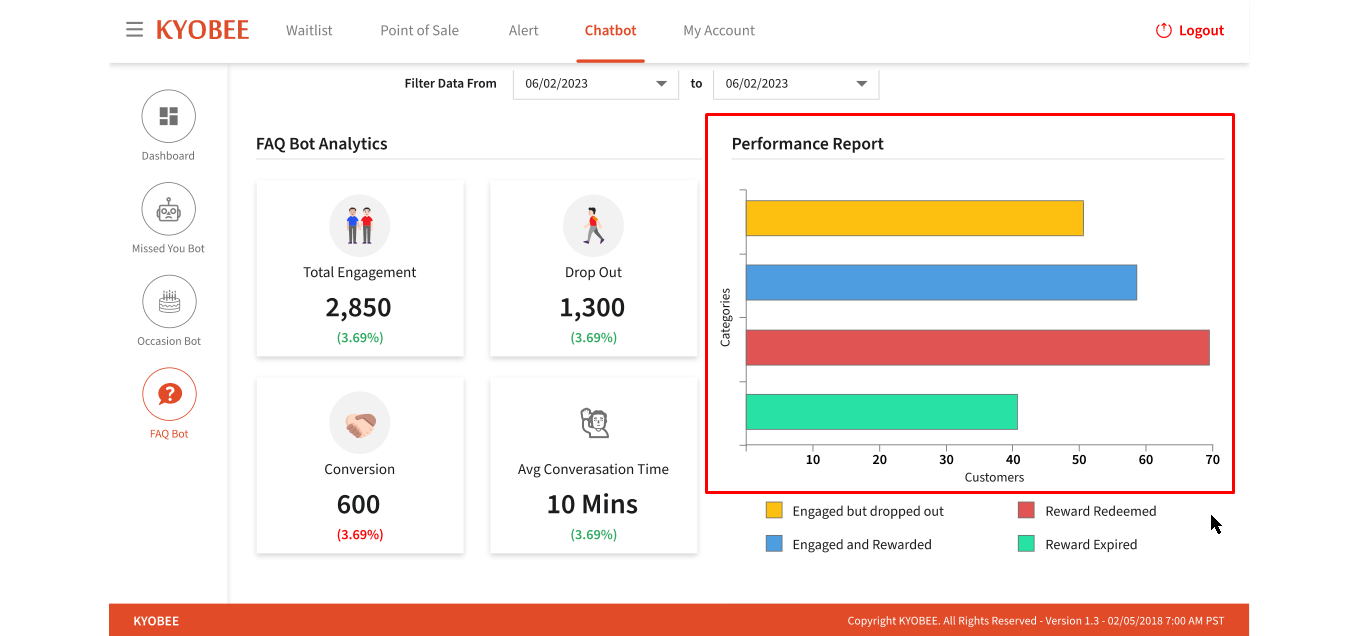
- User can see the different types of options:
1. Engaged but dropped out; 2.Reward Redeemed 3. Engage and Reward 4.Reward Expired